




Visualize Unreal Engine Plugin dependencies like never before
Visualize Unreal Engine Plugin dependencies like never before
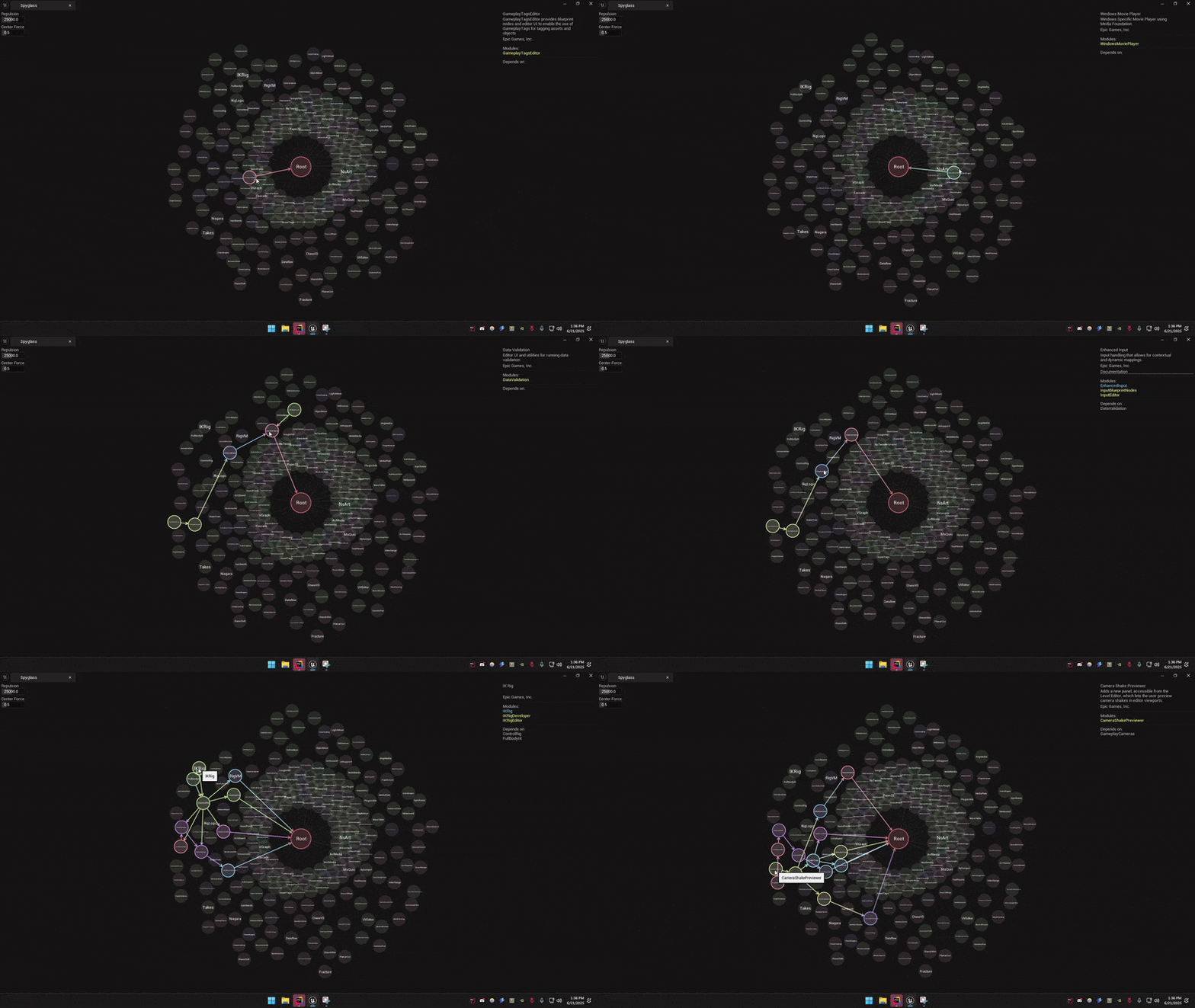
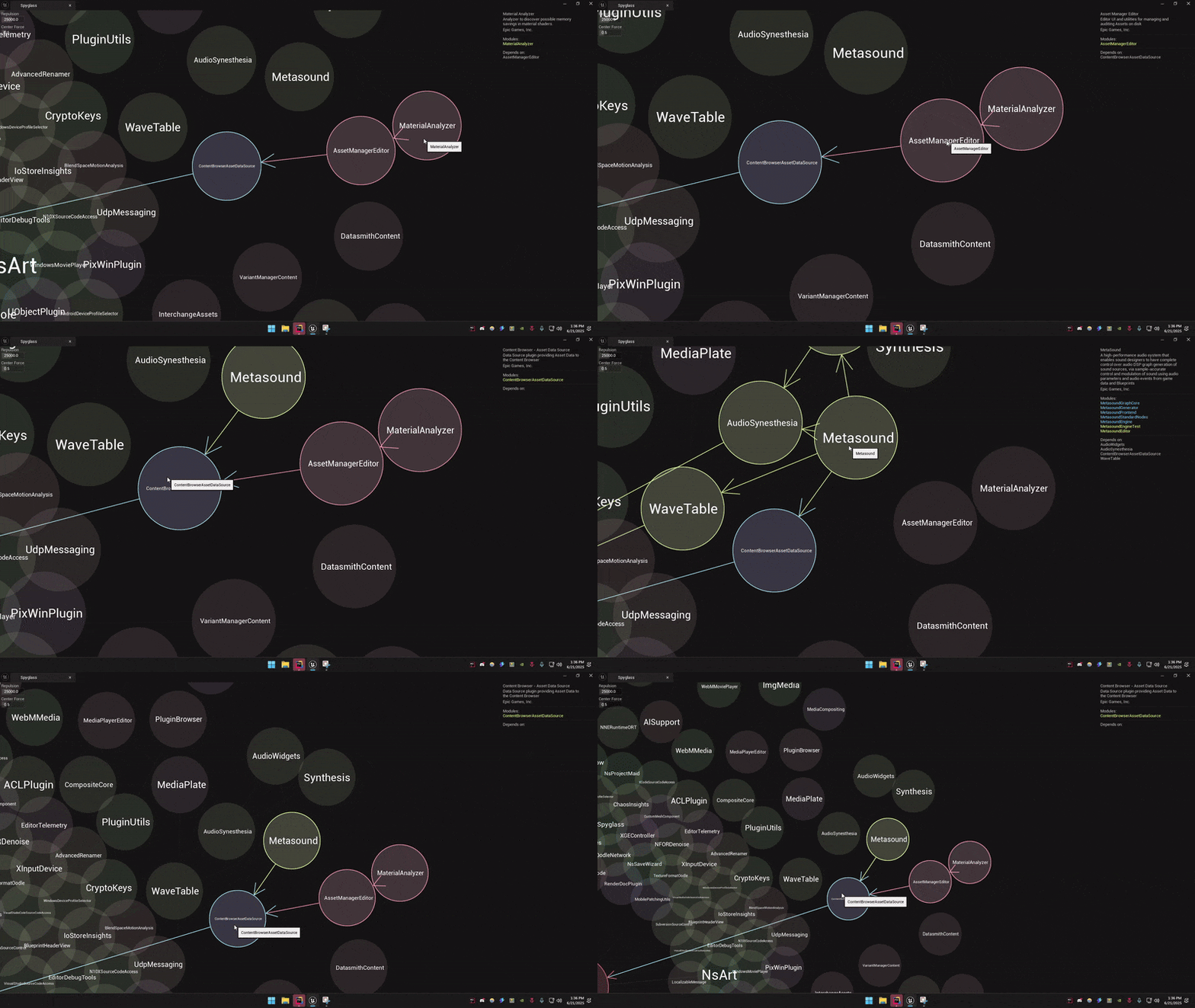
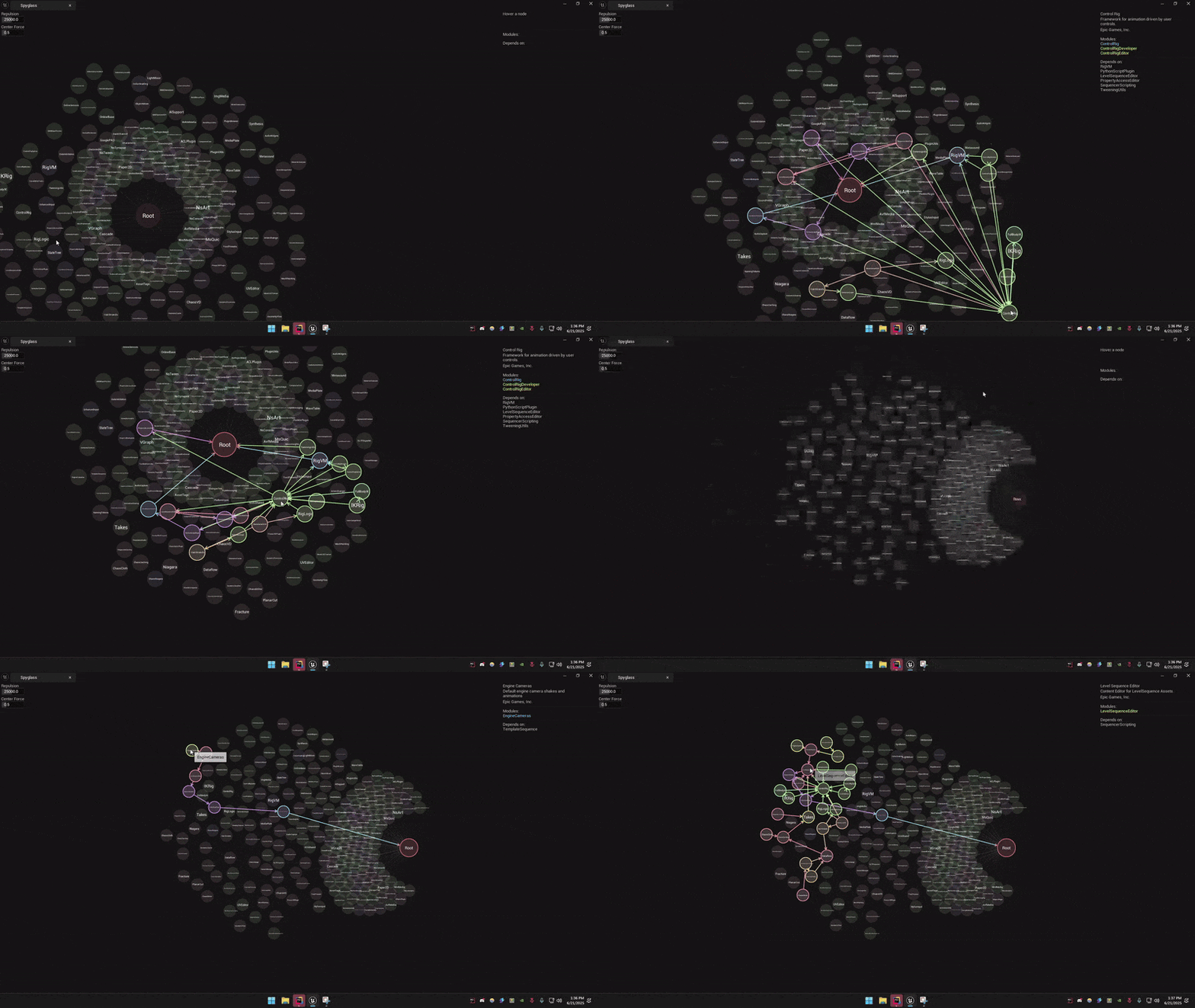
Spyglass is a lightweight Unreal Engine editor plugin that builds an interactive graph showing how your plugins depend on one another. Hover a node to see detailed information, pan around the view and tweak layout forces to suit your preferences.
| Plugin | Category | Loaded from | Depends on |
|---|---|---|---|
| NsSpyglass | Editor | Project | - |
| NsCharacter | Gameplay | Project | EnhancedInput |
| NsInput | Input | Project | EnhancedInput |
| NsFlow | NsVault | Project | NsCheats |
| NsCheats | Other | Project | - |
| NsPropLab | Level Design | Project | GeometryProcessing |
| NsSession | Networking | Project | OnlineSubsystem, OnlineSubsystemUtils, SteamSockets |
| NsVoice | Audio | Project | AudioCapture |
| NsMusic | Audio | Project | - |
| NsTween | Other | Project | - |
| NsUIStyle | UI | Project | - |
| NsSaveSystem | Save | Project | - |
| NsDungeons | Other | Project | - |
| EnhancedInput | Input | Engine | DataValidation |
| DataValidation | Editor | Engine | - |
| GeometryProcessing | Geometry | Engine | - |
| OnlineSubsystem | Online Platform | Engine | OnlineBase |
| OnlineBase | Online Platform | Engine | - |
| OnlineServices | Online Platform | Engine | OnlineBase |
| OnlineSubsystemUtils | Online Platform | Engine | OnlineSubsystem, OnlineServices |
| SteamSockets | Networking | Engine | OnlineSubsystem, OnlineSubsystemSteam, SteamShared |
| OnlineSubsystemSteam | Online Platform | Engine | OnlineSubsystem, OnlineSubsystemUtils, SteamShared |
| SteamShared | Online Platform | Engine | - |
| AudioCapture | Audio | Engine | - |
Unreal Engine 5.2 or newer and a C++ project that can compile plugins.
NsSpyglass folder into your project’s Plugins directory. Create the Plugins folder if it does not exist.Edit → Plugins then restart the editor.Launch your Unreal Engine editor and navigate to Window → Spyglass → Plugin Dependency Viewer.
The plugin scans your project and displays an interactive graph of all plugins and their relationships.
Each node represents a plugin. Lines between nodes show that one plugin references another. Use this view to quickly spot missing references or circular dependencies.
If you run into issues, open an issue on GitHub :)
