



👀 Summary
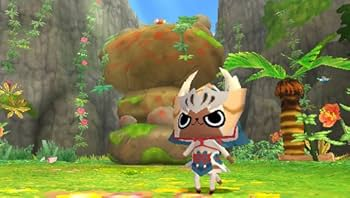
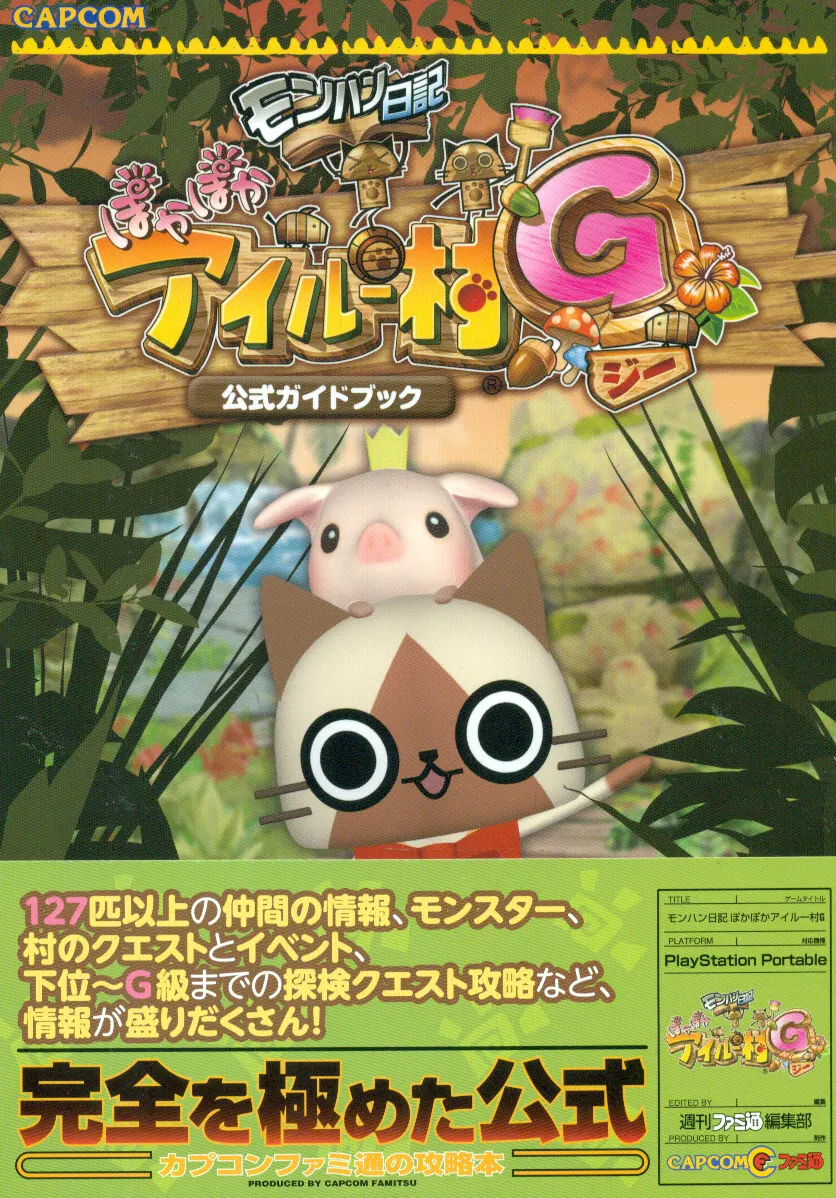
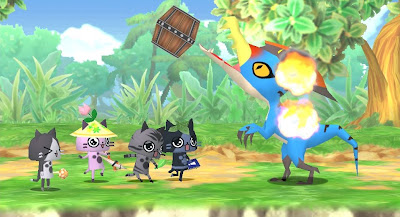
MonHun Nikki: Poka Poka Airu Mura G is a relaxing Monster Hunter spin-off where you run a village of Felynes: farm, fish, explore, throw parties, make friends. It only ever came out in Japan.
This patch turns your own copy of the game into an English version. It’s a small file that changes the text and the font; it does not include the game.
🚀 Quick Start
- Download the latest zip from Releases and unzip it.
- Patch your game ISO (steps for Windows, Android, and Mac / Linux below).
- Play the new English ISO in PPSSPP or on your PSP.
📦 What You Need
- The game as an ISO file: MonHun Nikki - Poka Poka Ailu Mura G (Japan, Asia), product code ULJM05881. You need your own copy; it is not provided here.
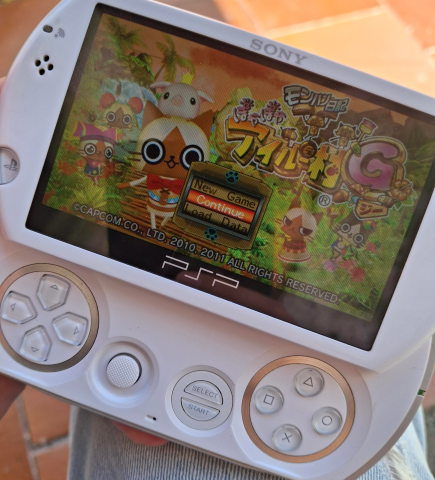
- A way to play it: PPSSPP (Windows, Mac, Linux, Android, iOS) or a PSP that can run ISOs.
- The patch: the zip from Releases.
Note: Only the G version works. The first Poka Poka Airu Mura (without the G) is a different game and this patch won’t apply to it.
🛠️ Patching
Inside the zip you’ll find a Patcher folder. The patch itself is Patcher/patch/PokaPoka_Ailu_Mura_G_EN.xdelta.
🪟 Windows
- Put your ISO inside
Patcher/GameToPatch. - Double-click
Patcher/ApplyPatch.bat. - Wait for Success!. Your English ISO is in
Patcher/Output.
That’s it. The script checks your ISO first and tells you if it’s the wrong one.
🤖 Android
- Install a patcher app that supports xdelta files (for example UniPatcher).
- In the app, pick:
- ROM / source file: your game ISO
- Patch file:
PokaPoka_Ailu_Mura_G_EN.xdelta
- Tap Apply and wait (the ISO is about 640 MB, so it can take a minute).
- Open the new ISO in PPSSPP.
Tip: No luck on your phone? Patch on a computer with the Windows steps and copy the finished ISO to your phone.
🍎 Mac / 🐧 Linux
- Install
xdelta3:- Mac (with Homebrew):
brew install xdelta - Linux: install
xdelta3from your package manager (for examplesudo apt install xdelta3)
- Mac (with Homebrew):
-
Open a terminal in the
Patcher/patchfolder and run:xdelta3 -d -s "/path/to/your game.iso" PokaPoka_Ailu_Mura_G_EN.xdelta PokaPoka_EN.iso - Play
PokaPoka_EN.iso.
✅ Did it work?
The finished ISO should have this SHA-256 (the Windows script checks it for you):
4691306218E1B79C178BEE2123CBF1A1D2DB025D2FA7FBECD63E7DE1E8B46E1D
Your original ISO should have:
3C6A83F437D74B836E9425C08B2AD2ACB18BEE1BB1B88819B7436A3F1B53F28F
If the patcher says the ISO doesn’t match, your copy is a different version or was modified (some dumps are trimmed or compressed, e.g. .cso). Use a full, unmodified .iso.
🧩 How It Works
The game stores its text in a big archive inside the ISO. This patch:
- Swaps the Japanese text for English in every text table, menus, dialogue, items, quests and all.
- Fixes the font so English letters get proper widths (the original font spaced every letter like a Japanese character).
- Touches nothing else. Same game, same saves, same everything; just in English.
The .xdelta file is only the difference between the original and the English ISO. A patcher takes your ISO plus that difference and rebuilds the English one. That’s why the patch is ~1 MB and why you need your own game.
Curious about the details? I wrote about it here: Patching MonHun: Poka Poka.
✨ What’s New
v0.2.1: screen titles (STATUS, PAMPHLET, …) no longer have their letters squashed together.
v0.2:
- Way more English. Every conversation is stored twice in the game and the old patch only translated one copy, so lots of “filler” chatter stayed Japanese. Fixed.
- Informant’s “Want me to explain?” prompts now show real Yes/No choices (#1).
- New font spacing. No more huge gaps between words; much less text running out of boxes.
- ~1,700 lines re-worded to fit: menus, titles, help bars, items, profiles, fortunes, quests.
- Fixed numbers with stray words (“0PCS”, “1RANK”, “5AY”, “NUMBER”).
🚧 Known Issues
- Some dialogue still reads a bit stiff or out of context.
- Weapon and armor names can be long.
- A few hundred lines are still in Japanese.
- Some names aren’t consistent yet (the Bullfango boss has a few).
❓ FAQ
I updated but still see old or Japanese text. Don’t load a save state from an older version: save states bring back the old text. Start the game normally and load your in-game save. Your save data works fine.
Does it work on a real PSP? It’s a normal ISO, so if your PSP can run ISOs it should. Most testing is done on PPSSPP.
Can I help? Yes! Play and report anything odd. Screenshots of untranslated or cut-off text help the most.
Where do I get the game? Not here. Please don’t ask for or share ISOs in the issues.
🐞 Found a Bug?
Open an issue with:
- a screenshot (full screen, not cropped),
- where it happened (menu, character, what you were doing),
- your patch version and emulator / device,
- whether you loaded a save state.
❤️ Credits
- Most of the English is based on the fan translation of the 3DS version, Poka Poka Airou Village DX, by L-StarJP and contributors. Thank you!
- PPSSPP, for making testing possible.
- xdelta for the patch format.
- Everyone who reported bugs and cheered the project on.
📃 Disclaimer
Unofficial fan project, not affiliated with or endorsed by Capcom or FromSoftware. Monster Hunter and all related names are trademarks of Capcom. No game files are distributed here.