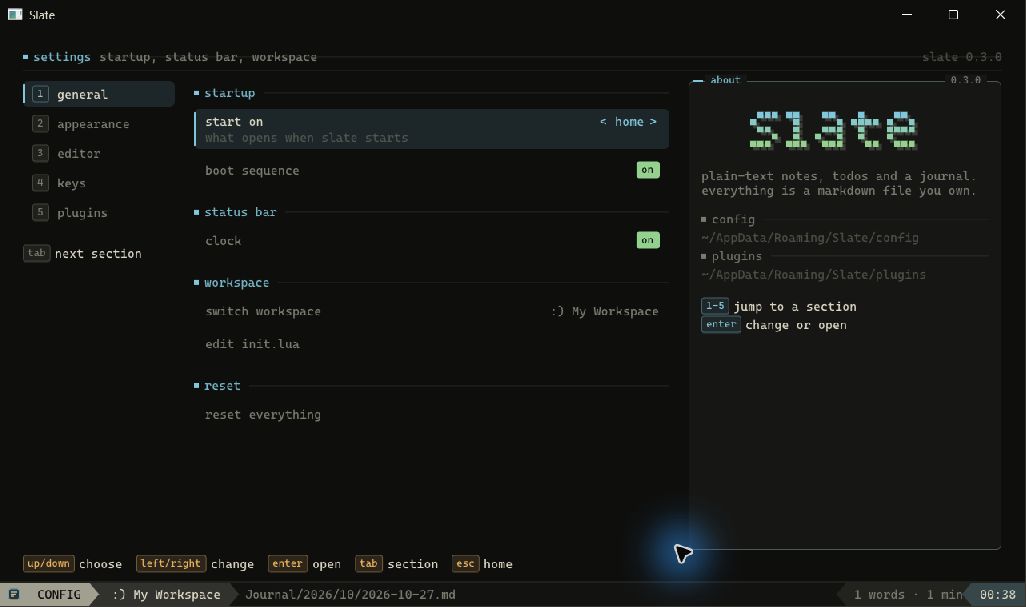



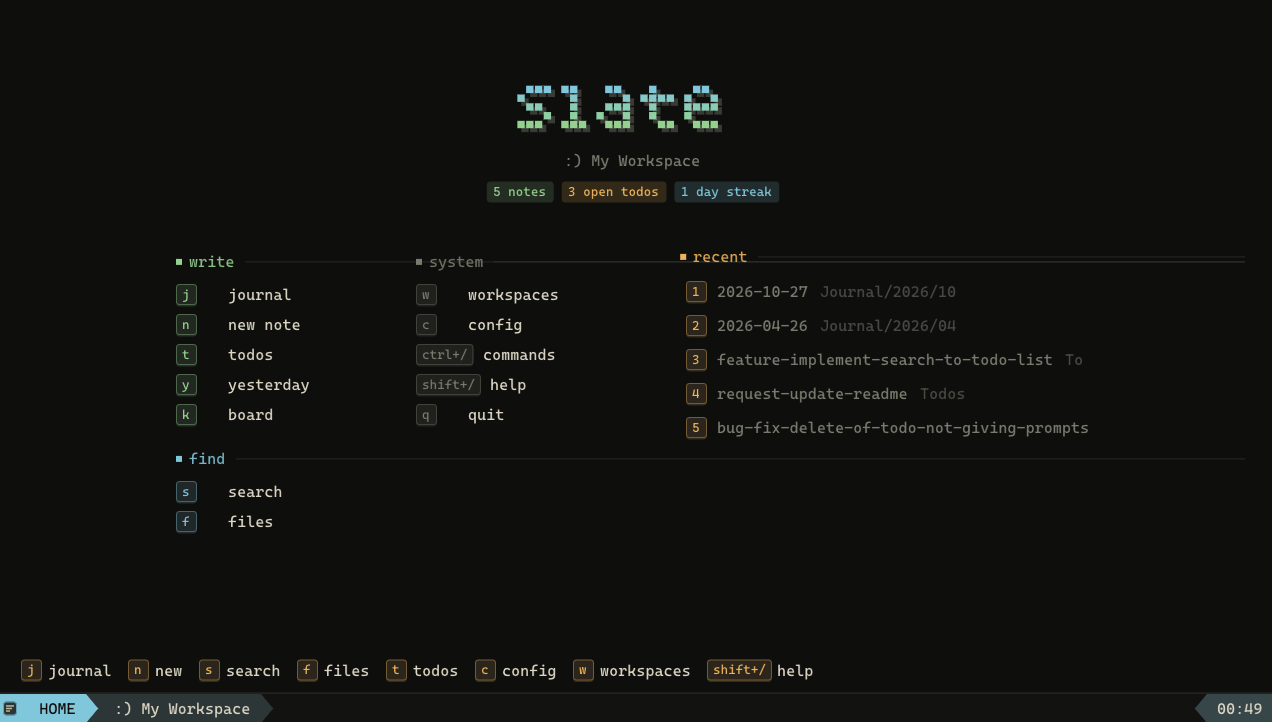
Slate is a small desktop writing app. Your workspace is a normal folder, and every note stays a normal Markdown file.
No account, no cloud database, no custom file format. Open a folder, write, keep your files.
Why
Many writing tools start simple and grow into a second operating system. Slate tries to stay small.
- Local files that you can sync or back up yourself
- A focused interface with keyboard-first navigation
- Live Markdown preview without a separate editor pane
- Daily journals and standalone todo files
- Lua plugins for the features that do not belong in the core app
Browse your workspace
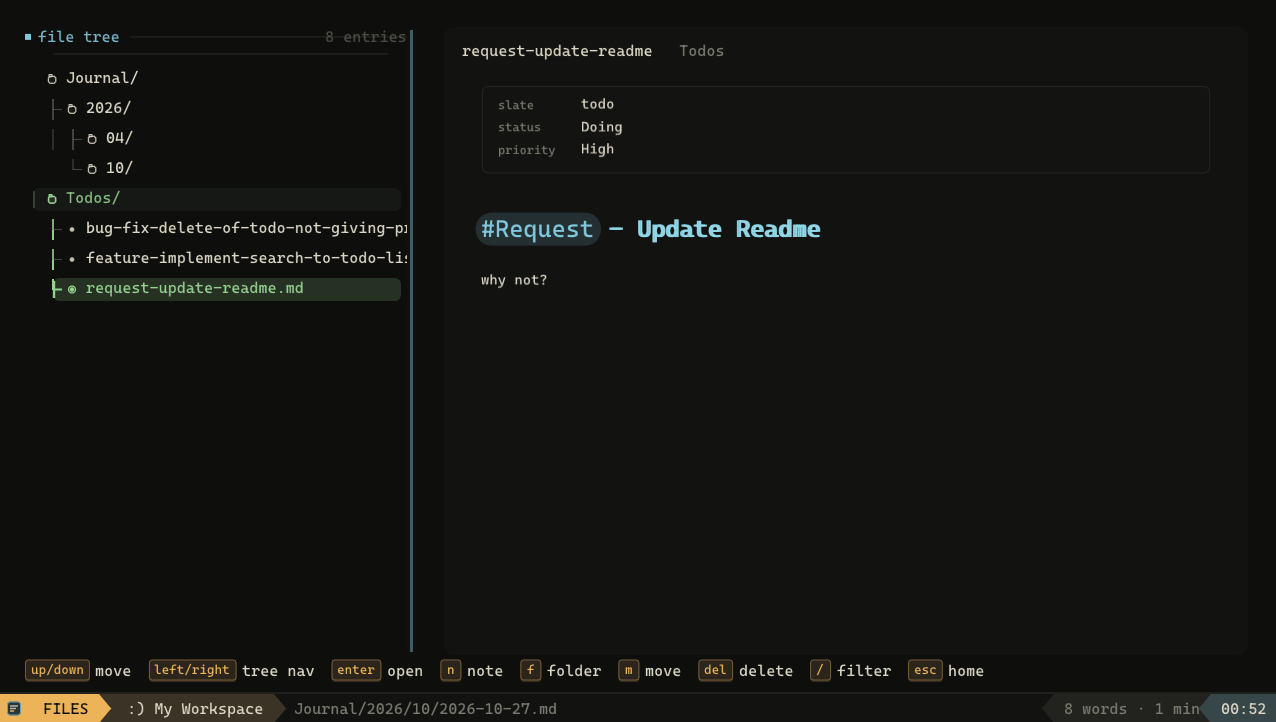
The file tree moves through folders and previews notes before you open them.
Write a daily journal
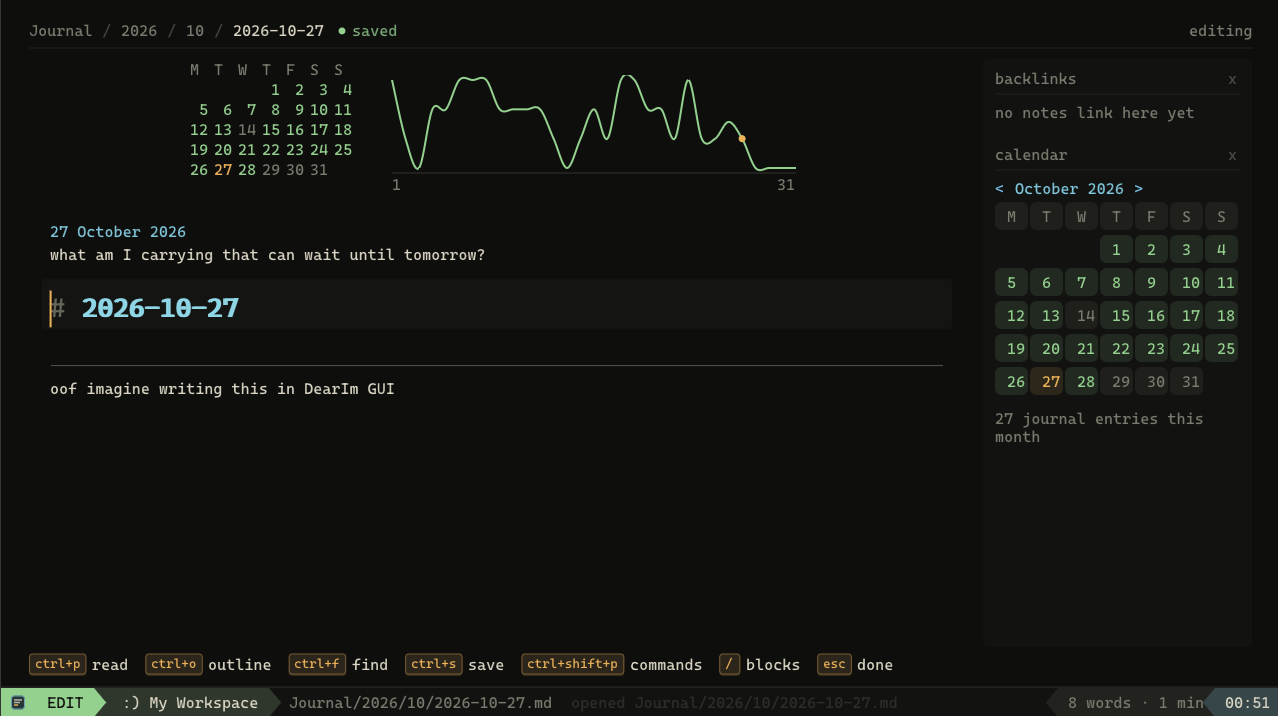
Press j to open today’s entry. It lives at Journal/YYYY/MM/YYYY-MM-DD.md, like any other file.
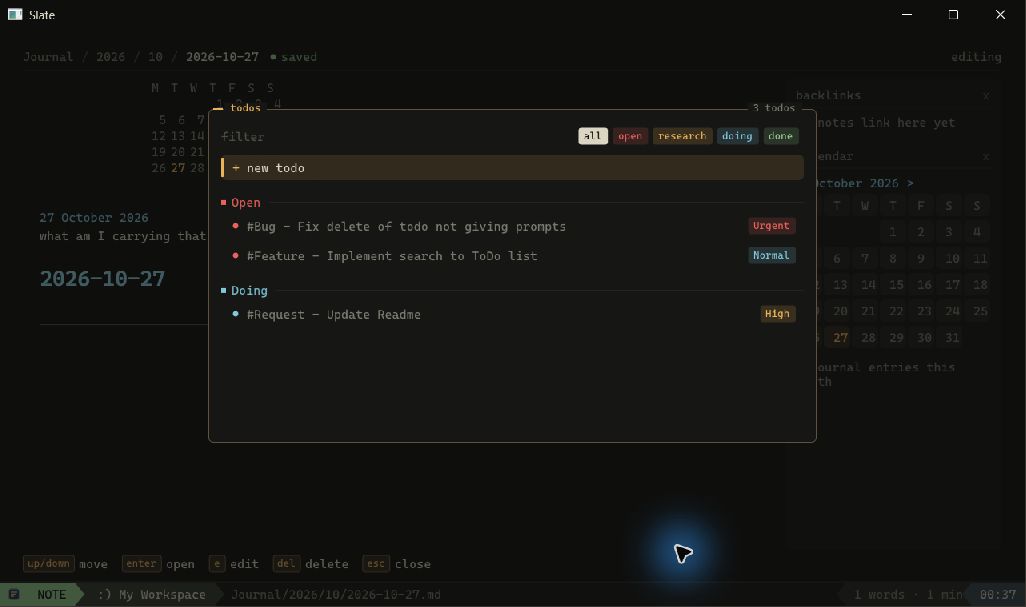
Keep todos as files
Each todo is a Markdown document under Todos/. The frontmatter stores its state and priority.
Make it yours
Theme, font, editor layout, motion level, and shortcut set, all from the settings screen.