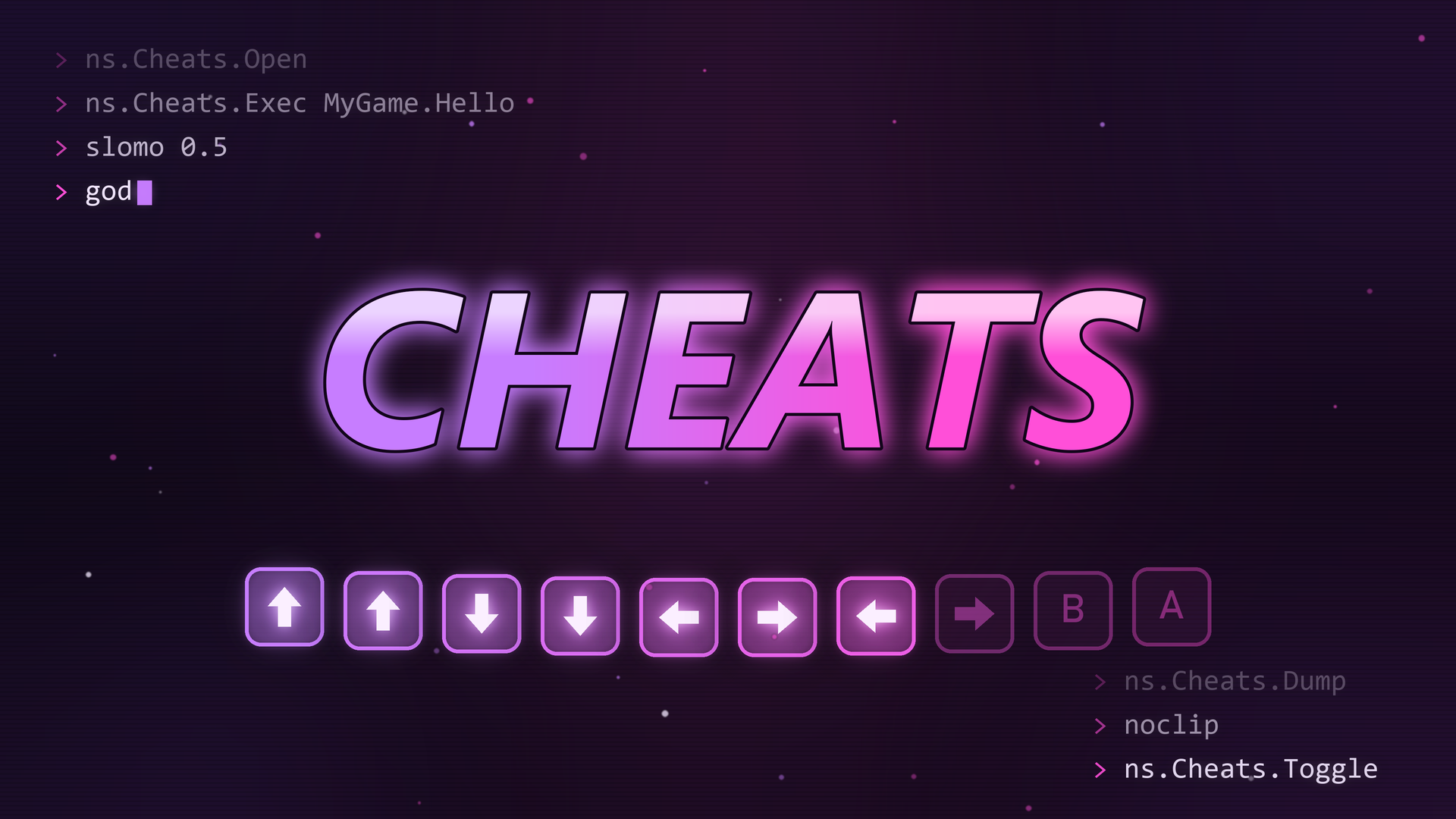


NsCheats is a registry of debug cheats with a built-in window. Game systems register buttons, toggles, number fields, text fields, pickers, and debug text. A developer opens the window during play and uses the cheats.
NsCheats is for development builds. In a Shipping build, the registry, the window, and the console commands compile out, so a cheat never runs. Do not use NsCheats for player-facing features or settings.
ns.Cheats.Dump. The strip shows the log lines of the plugin and the commands that it runs.stat fps.stat unit.Example commands: ns.Cheats.Toggle, ns.Cheats.Exec stat fps, ns.Cheats.Dump. The demo game is not real. A set value or an action only changes the demo values and writes to the strip.
NsCheats folder into the Plugins folder of your project.NsCheats to the Plugins list of the .uproject file."NsCheatsRuntime" to the module dependencies in Build.cs.The plugin adds UNsCheatsSubsystem, a game instance subsystem. It has no project settings.
Event BeginPlay, get the NsCheats subsystem. Type Ns Cheats Subsystem in the node search.Register Button Cheat.MyGame.Hello, Tab to MyGame, Category to Test, and Display Name to Say hello.Print String node to that event.ns.Cheats.Toggle.MyGame tab, then click Run on Say hello.INsCheatProviderInterface on a game instance subsystem.// MyEconomySubsystem.h
#pragma once
#include "Subsystems/GameInstanceSubsystem.h"
#include "NsCheatProviderInterface.h"
#include "MyEconomySubsystem.generated.h"
UCLASS()
class UMyEconomySubsystem : public UGameInstanceSubsystem, public INsCheatProviderInterface
{
GENERATED_BODY()
public:
virtual void Initialize(FSubsystemCollectionBase& Collection) override;
virtual void RegisterCheats_Implementation(UNsCheatsSubsystem* CheatsSubsystem) override;
private:
void AddDebugCoins();
bool bFreePlay = false;
};
// MyEconomySubsystem.cpp
#include "MyEconomySubsystem.h"
#include "NsCheatsSubsystem.h"

void UMyEconomySubsystem::Initialize(FSubsystemCollectionBase& Collection)
{
    Super::Initialize(Collection);
    if (UNsCheatsSubsystem* Cheats = Collection.InitializeDependency<UNsCheatsSubsystem>())
    {
        Cheats->RegisterProvider(this);
    }
}

void UMyEconomySubsystem::RegisterCheats_Implementation(UNsCheatsSubsystem* CheatsSubsystem)
{
    CheatsSubsystem->ForProvider(this, TEXT("Economy"))
        .Section(TEXT("Coins"))
        .Button(TEXT("Economy.AddCoins"), INVTEXT("Add 1000 coins"),
            FNsCheatExecuteDelegate::CreateUObject(this, &UMyEconomySubsystem::AddDebugCoins))
        .Toggle(TEXT("Economy.FreePlay"), INVTEXT("Free play"),
            FNsCheatGetBoolDelegate::CreateLambda([this]() { return bFreePlay; }),
            FNsCheatSetBoolDelegate::CreateLambda([this](bool bValue) { bFreePlay = bValue; }));
}
ns.Cheats.Toggle.RegisterProvider ignores a provider that it already has, so the call is safe if discovery also finds the subsystem.
INsCheatProviderInterface on the actor or the component.BeginPlay, call RegisterProvider(this) on the NsCheats subsystem.EndPlay, call UnregisterProvider(this).NsCheatProviderInterface.Register Cheats event. Call the Register ... Cheat nodes on the Cheats Subsystem input.Event BeginPlay, call Register Provider with Self.Float(Id, Label, GetValue, SetValue) on the builder.Register Float Cheat and bind Get Delegate and Set Delegate.Text(Id, Label, GetValue, SetValue, Execute) on the builder.Register Text Cheat and bind Execute Delegate.FNsCheatPickerOption from the options delegate. Each option has a Value (a name) and a Label (the text in the dropdown).Picker(Id, Label, GetOptions, GetValue, SetValue, Refresh) on the builder.Register Picker Cheat.Refresh delegate is bound, the row shows a Run button that calls it.TArray<FNsCheatInlineAction>. Give each action an Id, a Label, and an ExecuteDelegate.ButtonRow(Id, Label, Actions) on the builder.Tab argument of ForProvider, or the Tab input of a Register ... Cheat node.Section(Name) on the builder, or the Category input of a node.SortOrder to order entries in one section. A lower value comes first.Id. Put the system name first, for example Economy.AddCoins.The window sorts tabs and sections by name. In a section, it sorts entries by SortOrder, then by label. A new entry with the same Id replaces the old entry.
ns.Cheats.Toggle.ExecuteEntry(Id) on the NsCheats subsystem.true if the entry has a bound action.ExecuteEntry runs the action of a button, a text field, or a picker. It does not change a toggle, and it does not run the buttons of a ButtonRow.
UnregisterCheatEntry(Id) to remove one entry.UnregisterCheatsByOwner(Owner) to remove all entries of one owner.UnregisterProvider(Provider) to remove a provider and all its entries.ns.Cheats.Exec <command>, for example ns.Cheats.Exec stat fps.NsCheats has no project settings. These are the values of a new entry.
ForProvider)| Setting | Default | Effect |
|---|---|---|
| Tab | Debug if the name is empty |
The tab of all entries in the chain. |
| Section | General |
The section of the next entries. An empty name gives General. |
| Description | Empty | The text under the label. If it is empty, the window shows the Id. |
| SortOrder | 0 |
The order in the section. |
| Owner | The Owner of ForProvider |
The entries leave when the owner is destroyed. |
Register ... Cheat)| Setting | Default | Effect |
|---|---|---|
| Id | None | The unique key. An entry with no id is ignored, with a warning. |
| Tab | None | The tab. The node uses the value as it is, so set it. |
| Category | None | The section. The node uses the value as it is, so set it. |
| Display Name | Empty | The label of the row. |
| Description | Empty | The text under the label. If it is empty, the window shows the Id. |
| Owner | None | The entries leave when the owner is destroyed. |
| Sort Order | 0 |
The order in the section. |
| Setting | Default | Effect |
|---|---|---|
| Title | NsCheats |
The title of the window. |
| Size | 760 x 680 | The first client size of the window. |
| Command | Effect |
|---|---|
ns.Cheats.Open |
Opens the window, or brings it to the front. |
ns.Cheats.Close |
Closes the window. |
ns.Cheats.Toggle |
Opens or closes the window. |
ns.Cheats.Dump |
Logs all entries as - [Tab/Section] Label (Id). |
ns.Cheats.Exec <command> |
Runs a console command in the game world. |
| Tab | Section | Entry | Effect |
|---|---|---|---|
Debug |
Registry |
Dump registered cheats | Logs all entries. |
Debug |
Player |
Log player location | Logs the location and rotation of the pawn of the first player controller. |
Performance |
Stats |
Toggle stat fps | Runs stat fps. |
Performance |
Stats |
Toggle stat unit | Runs stat unit. |
The log category is LogNsCheats. The window has a Reload button that builds all rows again.
| Problem | Cause | Fix |
|---|---|---|
| The cheats of a subsystem do not show. | Discovery runs one time, when the NsCheats subsystem starts. Subsystems that start later are not found. | Call RegisterProvider(this) from the subsystem. See Quick Start. |
| The cheats of a world subsystem do not show after a map change. | Discovery looks only at the world that exists when the NsCheats subsystem starts. | Call RegisterProvider(this) from the world subsystem. |
A Blueprint entry is in a tab named None. |
The Tab or Category input is empty. | Set Tab and Category on the node. |
The log shows Ignoring cheat entry with empty Id. |
The entry has no Id. |
Give the entry an Id. |
The log shows Usage: ns.Cheats.Exec <Command>. |
The command has no argument, or there is no world. | Give a command, for example ns.Cheats.Exec stat fps. |
| A debug text row shows an old value. | Debug text is read when the window builds its rows. | Click Reload. |
| A cheat replaces another cheat. | Two entries use the same Id. |
Give each entry a unique Id. |
| The console commands are not found in a Shipping build. | The commands compile out in Shipping. | Use a Development or DebugGame build. |
ButtonRow has no Blueprint registration function.ExecuteEntry does not run a ButtonRow button or change a toggle.